

 Furniture accessories
 Computer hardware and software
 Laptops
 Desktops
 Monitors
 Computer Accessories
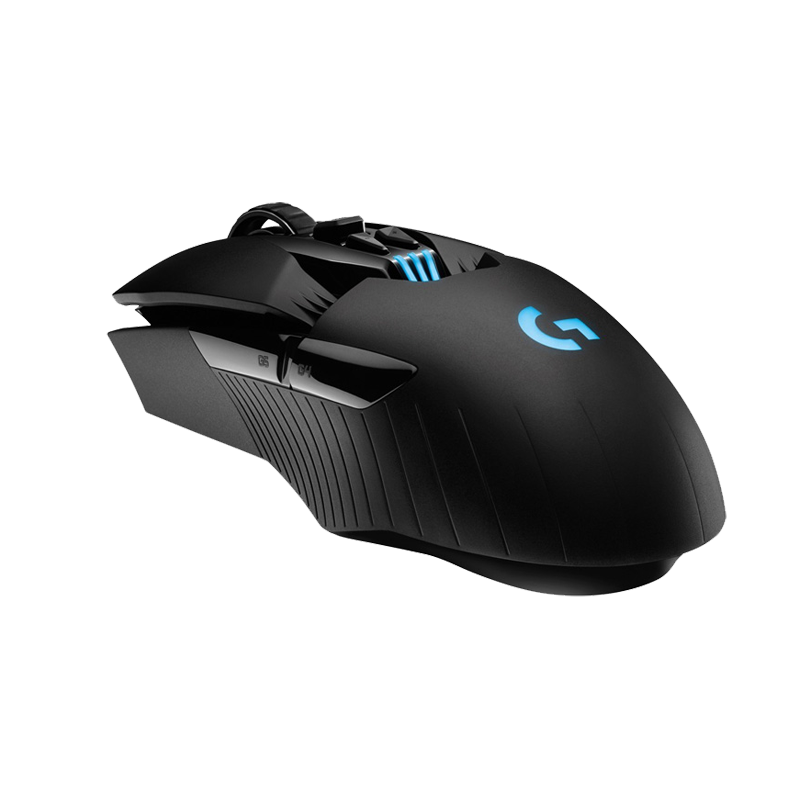 Computer mice
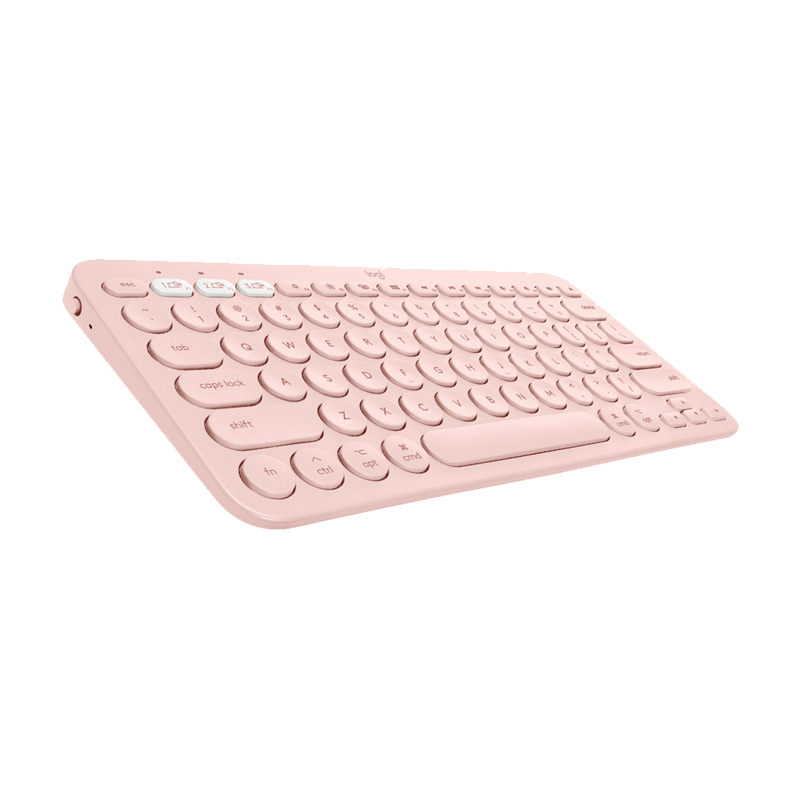 Computer keyboards
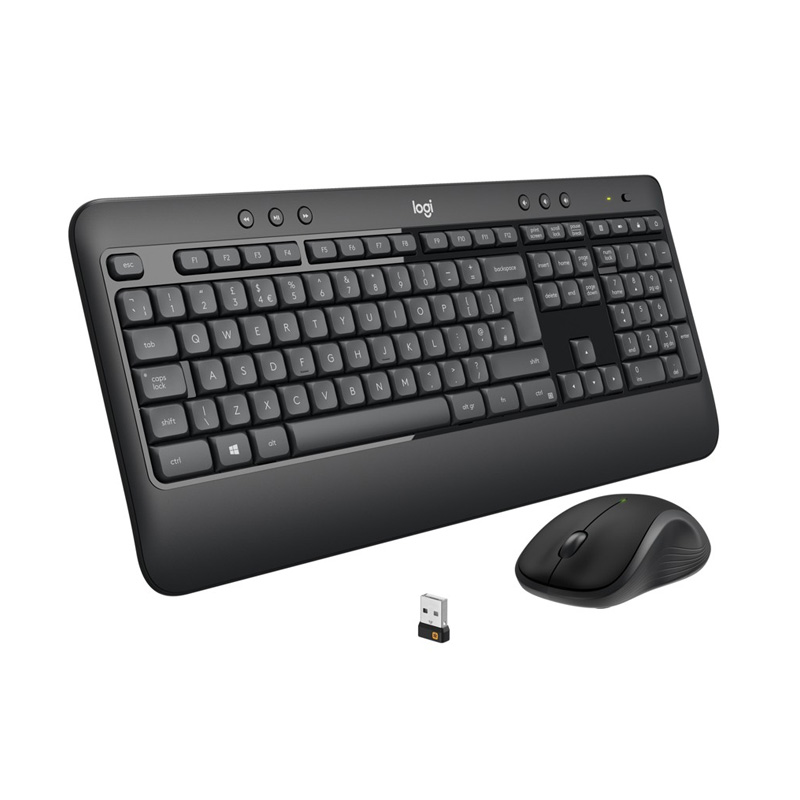 Keyboard and mouse set
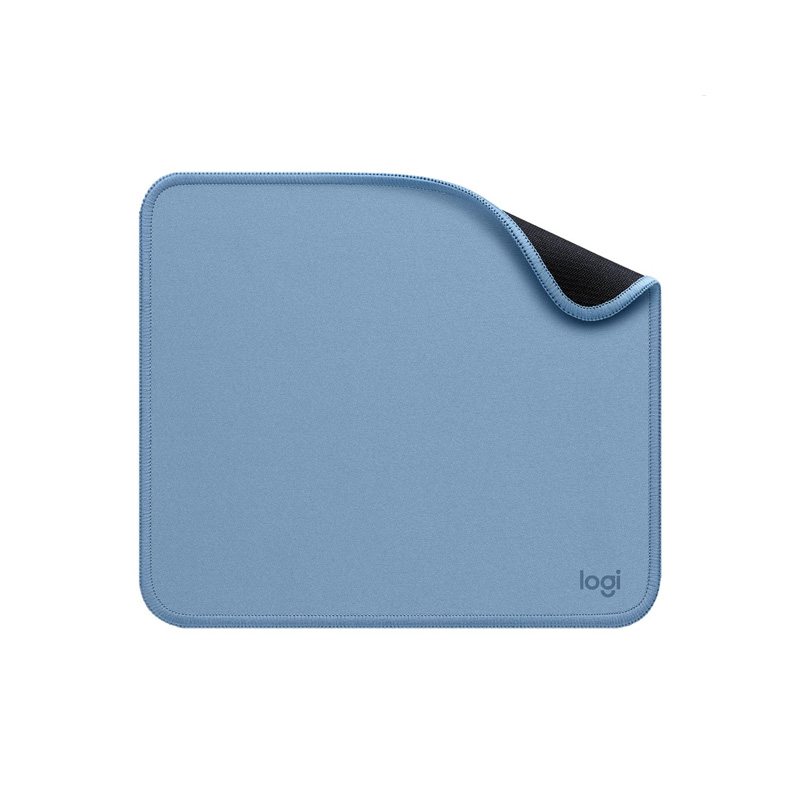 Mouse and keyboard mats
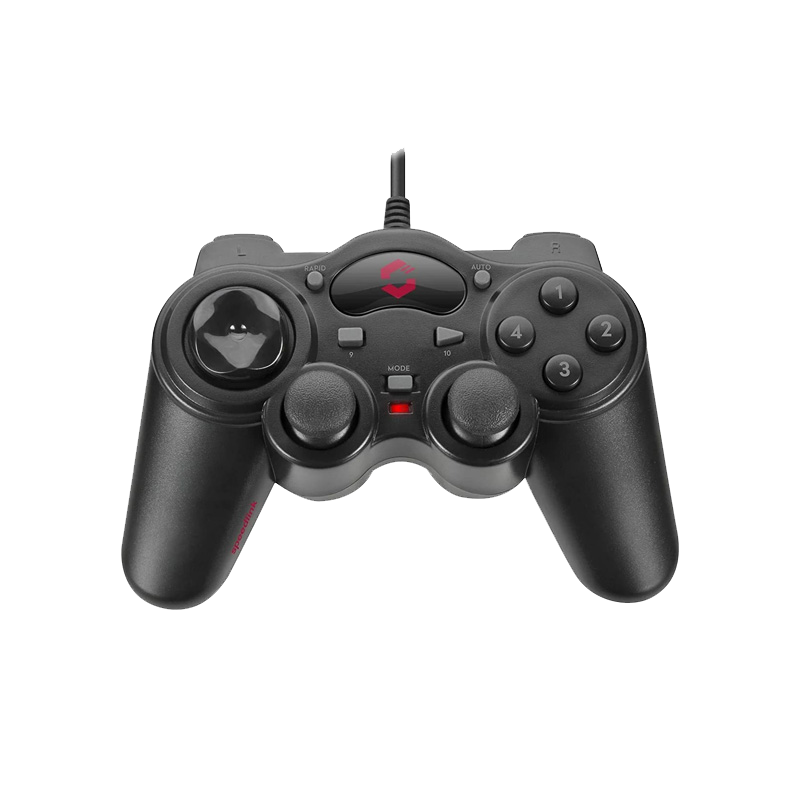 Game controllers
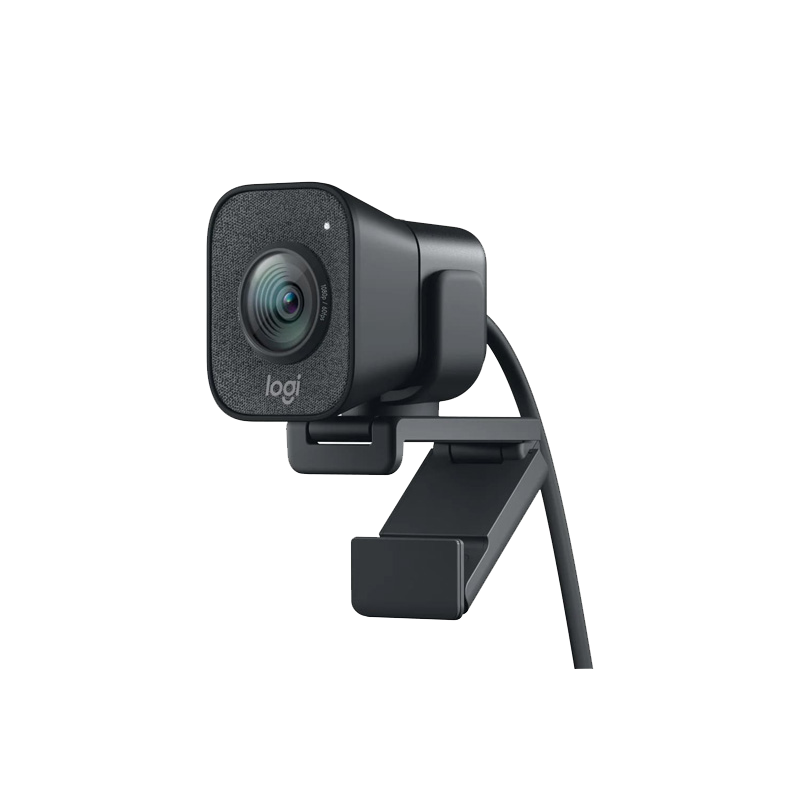 Webcams
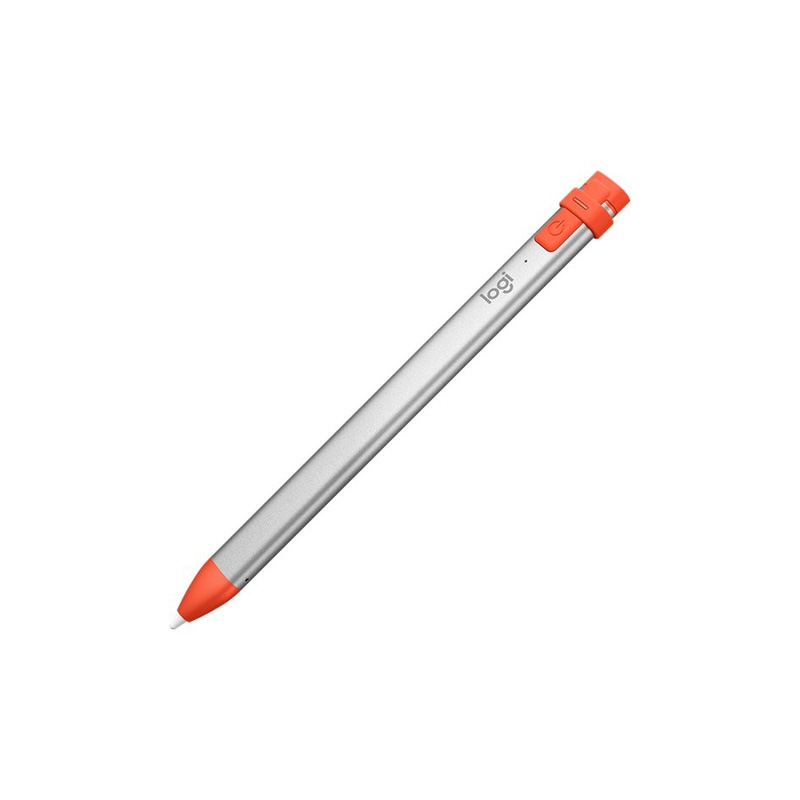 Other accessories
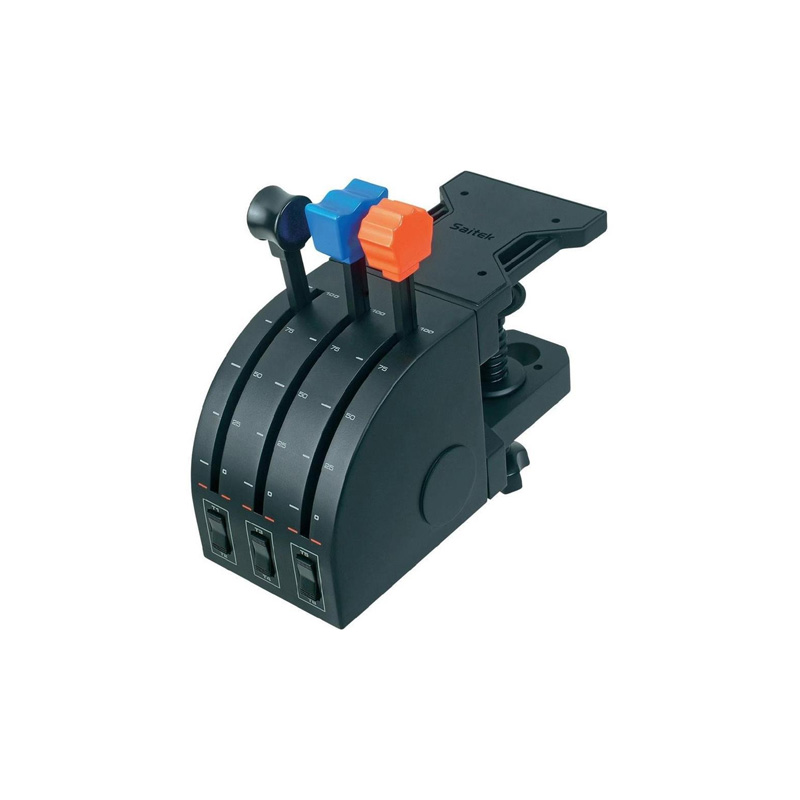 Game consoles and accessories
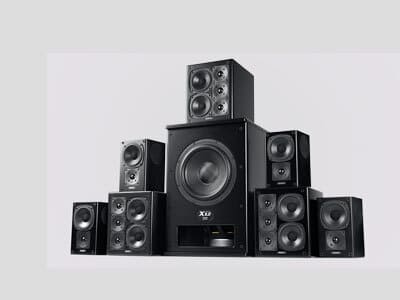 Audio equipment and accessories
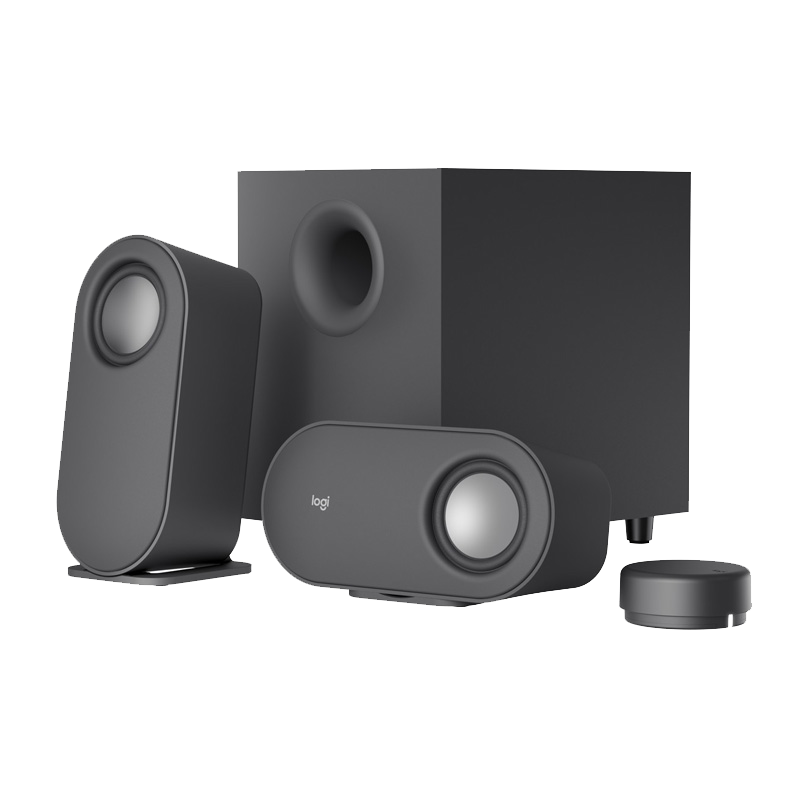 Portable speakers
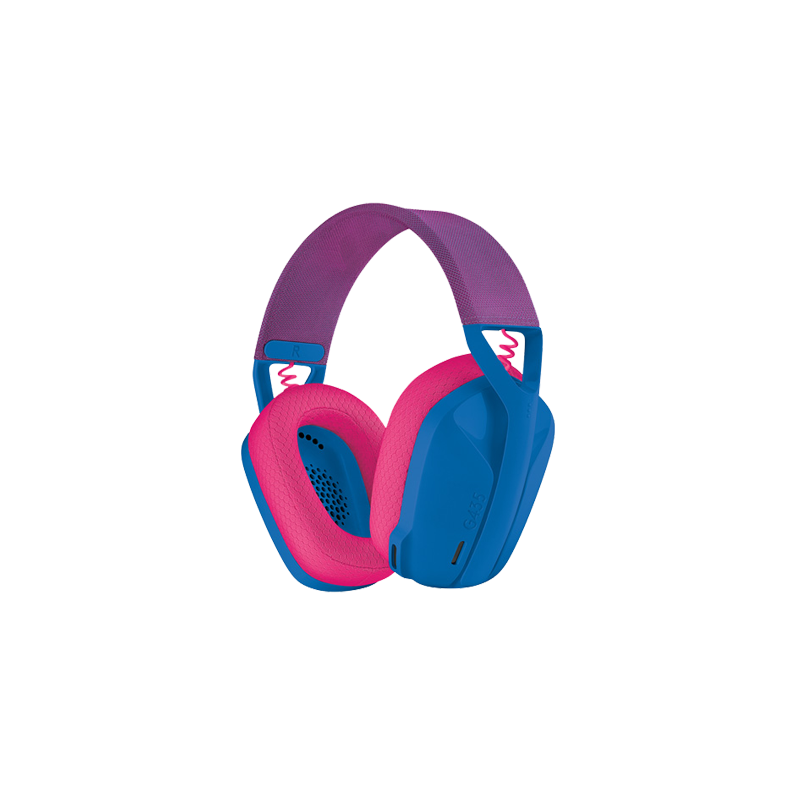 Headphones and headsets
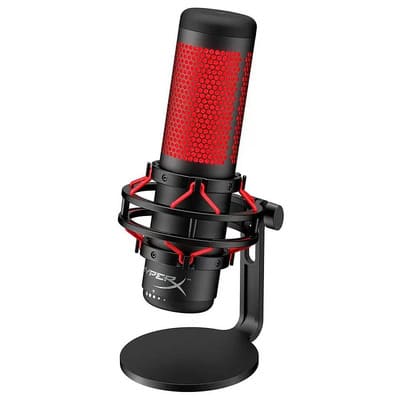 Microphones
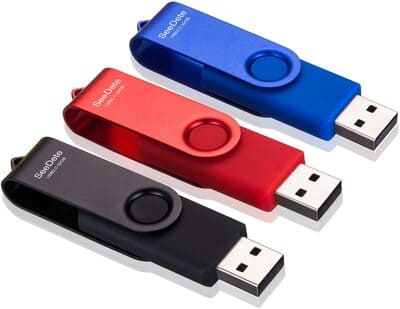 Information carriers
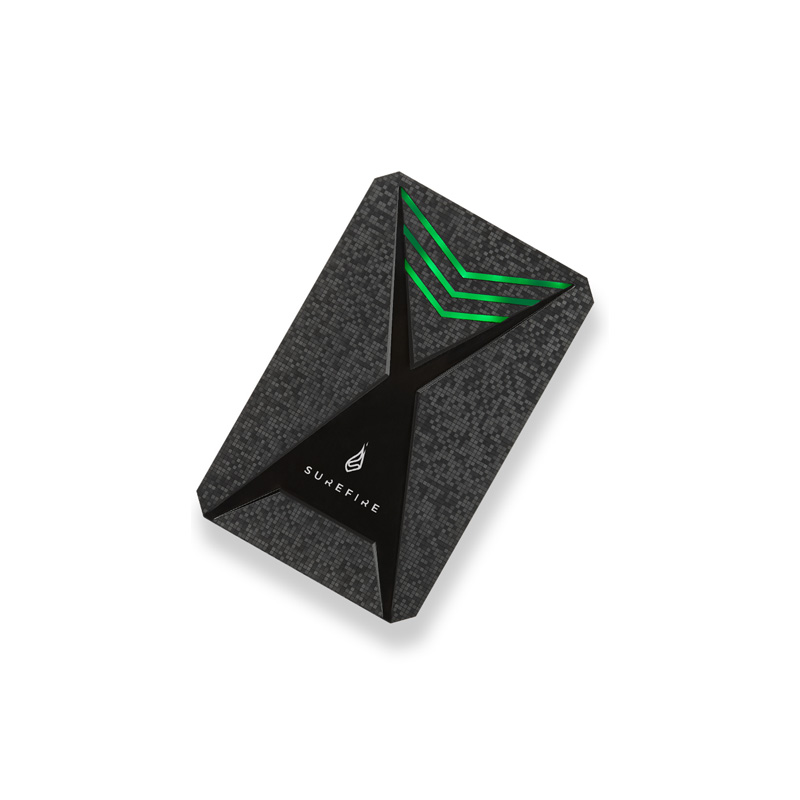 HDD/SSD Drives
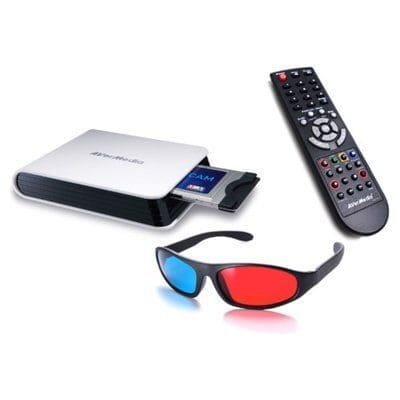 Accessories for TV and video equipment
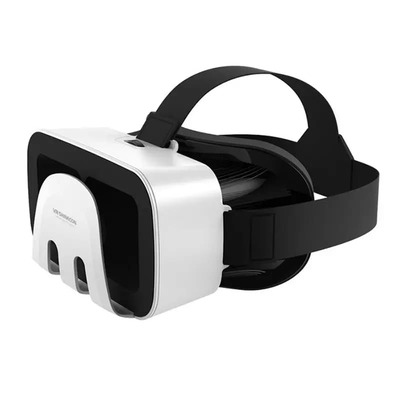 Stereo and video glasses
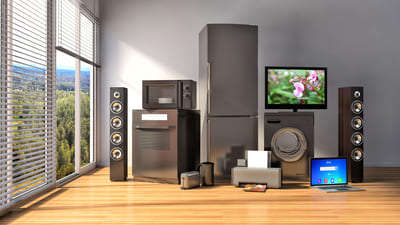 Household appliances for home
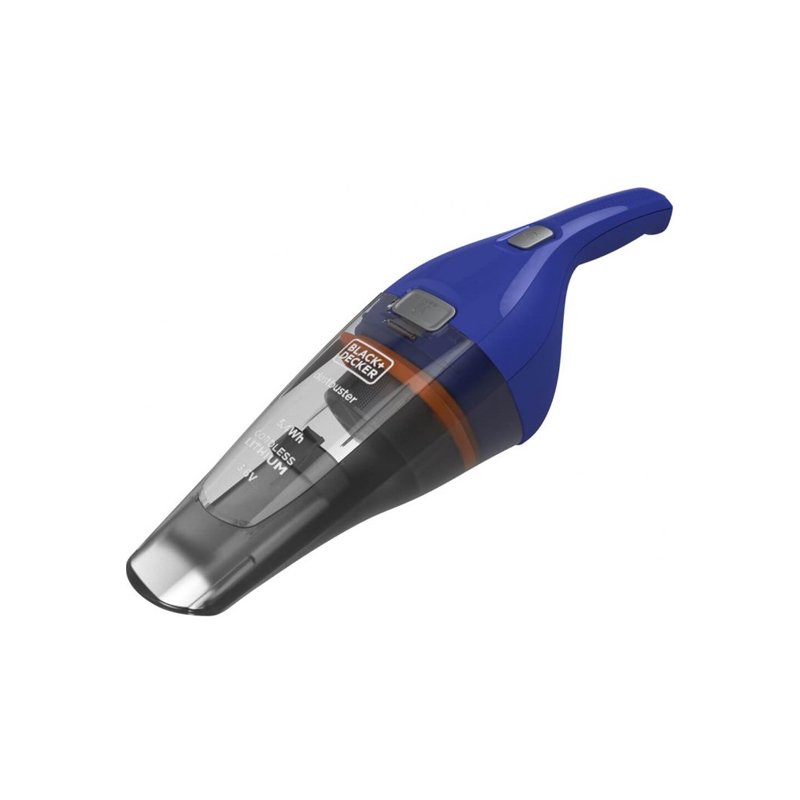 Vacuum cleaners
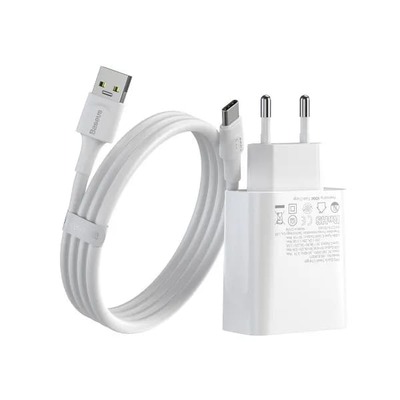 Chargers for portable equipment
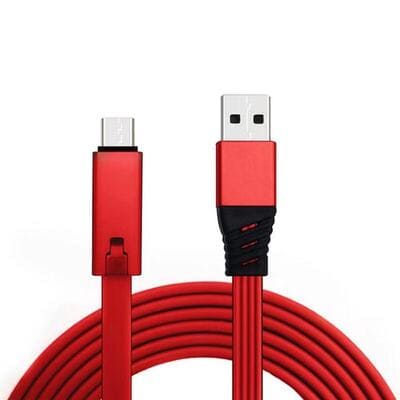 Cables and adapters

 Men’s clothing
 Socks
Socks T-shirts, shirts, sweatshirts
 Underwear and swimming trunks
 Sportswear and footwear
 Thermal underwear
 Towels
Lossless Scaling V3.1.0.0
The release of Lossless Scaling v3.1.0.0 represents a significant milestone in the democratisation of high-end PC gaming performance. Originally a niche utility for upscaling low-resolution windowed games, the software has evolved into a powerhouse of frame generation (LSFG) and spatial upscaling that rivals native solutions like NVIDIA DLSS or AMD FSR, but with the unique advantage of being hardware-agnostic. The Evolution of LSFG 3.1
The hallmark of the 3.1.0.0 update is the refinement of the LSFG 3.0/3.1 algorithm. Unlike previous iterations, this version offers vastly improved stability and reduced artifacting, particularly in fast-motion scenes. By decoupling frame generation from specific GPU architectures, it allows users with older hardware—or even handhelds like the Steam Deck and ROG Ally—to experience "fake" frames that feel remarkably close to native fluid motion. Key technical improvements in this version include:
Enhanced Latency Management: One of the historical "deal-breakers" for frame generation is input lag. Version 3.1.0.0 introduces better sync between the base frame rate and generated frames, making the 2x and 3x modes feel more responsive.
Triple Frame Generation (X3): The software now reliably supports generating two additional frames for every one real frame, effectively tripling the perceived smoothness of the image. Accessibility and Versatility
What makes Lossless Scaling a "must-have" tool is its universal application. It functions as an overlay, meaning it can be applied to:
Legacy Titles: Games that were never designed to run at high refresh rates or widescreen resolutions.
Locked Console Ports: Titles capped at 30 or 60 FPS can be boosted to match modern 144Hz monitors.
Emulators: Bringing modern smoothness to retro gaming experiences. Implementation and Best Practices
To achieve the "lossless" promise, the software requires specific configuration. Experts at Corsair and community members on Reddit suggest a standard workflow:
Windowed Mode: The target game must run in Windowed or Borderless Windowed mode for the overlay to hook properly.
Disable VSync: In-game VSync should be off to prevent conflict with the software's own frame pacing. Lossless Scaling v3.1.0.0
Base Frame Stability: For the best results, users should cap their base frame rate to a stable number (e.g., 30 or 60 FPS) to give the LSFG algorithm a consistent foundation to build upon. Conclusion
Lossless Scaling v3.1.0.0 is more than just a utility; it is a vital bridge between aging hardware and demanding modern software. By providing high-quality upscaling and frame generation to anyone with a GPU, regardless of brand, it challenges the industry standard of "hardware-locked" features. For the cost of a few dollars on Steam, it offers a performance uplift that previously required a multi-hundred-dollar GPU upgrade.
Lossless Scaling guide | Multi frame generation & upscaling for any game
Lossless Scaling v3.1.0.0 marks a significant leap in the software's journey from a niche pixel-art upscaler to a powerhouse for modern PC gaming. This update focuses on the evolution of its proprietary LSFG (Lossless Scaling Frame Generation) technology, refining motion clarity and performance for players on a wide range of hardware. The Core Narrative: Bridging the Performance Gap
The "story" of v3.1.0.0 is one of accessibility. While hardware giants like NVIDIA and AMD offer proprietary frame generation (DLSS 3 and FSR 3), they often require specific, newer-generation GPUs. Lossless Scaling v3.1.0.0 continues the mission of bringing these "magical" extra frames to everyone, including users with older graphics cards, handhelds like the Steam Deck, or even emulated retro games. Key Evolutions in v3.1.0.0
The transition to the 3.x architecture represents a fundamental shift in how the software handles visual data:
LSFG 3.0 Architecture: Building on the success of version 2.x, this release utilizes a new, more efficient architecture designed to significantly reduce flickering and border artifacts.
X2 and X3 Modes: This version solidifies the reliability of "X3" mode, allowing users to triple their perceived frame rate (e.g., turning 30 FPS into 90 FPS) with improved stability compared to previous beta iterations.
Motion Clarity Focus: The update introduces better "motion vectors" estimation, which helps the AI-driven frame generation keep up with fast-paced action without the "ghosting" or "wobble" effects common in earlier versions. Universal Utility
What makes this version's story compelling is its platform-agnostic nature. Unlike built-in game features, Lossless Scaling works as an overlay: The release of Lossless Scaling v3
Legacy Support: You can apply modern upscaling and frame gen to games that were never designed for it, from The Witcher 3 to classic emulated titles.
Handheld Optimization: It has become a "must-have" for handheld enthusiasts, allowing devices with limited power to achieve smooth, high-refresh-rate visuals in demanding modern titles. Quick Setup for v3.1.0.0
To get the "best version" of this story on your own PC, experts recommend the following settings:
Window Mode: Set your game to "Windowed" or "Borderless Windowed."
Cap Your FPS: For the smoothest experience, cap your base frame rate to half (for X2) or one-third (for X3) of your monitor's refresh rate.
Scale and Generate: Open the tool, select LS1 (for upscaling) and LSFG 3.0 (for frame generation), then return to your game and press the hotkey (Ctrl + Alt + S).
Software Name: Lossless Scaling Version: 3.1.0.0
Overview: Lossless Scaling is a software designed to upscale and downscale images without compromising their quality. This tool utilizes advanced algorithms to ensure that the scaled images remain crisp and clear, making it an essential utility for graphic designers, photographers, and digital artists.
Key Features:
- Lossless Scaling: Scale images up or down without losing any quality, ensuring that the output remains identical to the original in terms of clarity and detail.
- Advanced Algorithms: Employs sophisticated algorithms to analyze and preserve the image's texture, edges, and details during the scaling process.
- Support for Multiple Formats: Compatible with a wide range of image formats, including JPEG, PNG, BMP, TIFF, and more.
- Batch Processing: Allows users to scale multiple images at once, saving time and increasing productivity.
- User-Friendly Interface: Intuitive and easy-to-use interface makes it simple for users to navigate and achieve their desired results.
What's New in Version 3.1.0.0:
- Improved scaling algorithms for even better image quality
- Enhanced support for high-resolution images
- Bug fixes and performance optimizations
System Requirements:
- Operating System: Windows [insert version]
- Processor: [insert processor requirements]
- Memory: [insert memory requirements]
- Disk Space: [insert disk space requirements]
Download: You can download Lossless Scaling v3.1.0.0 from [insert download link].
License: Lossless Scaling is available under [insert license terms]. Please review the license agreement before using the software.
Support: For any questions, issues, or feedback, please contact [insert support contact information].
Changelog:
- [Insert changelog details]
By including this information, users will have a comprehensive understanding of what Lossless Scaling v3.1.0.0 offers and how it can benefit their image scaling needs.
Lossless Scaling version 3.1.0.0 introduces a new Performance Mode for LSFG, reducing frame generation GPU load by up to 2x for improved efficiency on low-power hardware. The update also adds Adaptive Frame Generation for custom target framerates and improves visual quality by reducing ghosting and artifacts. For more details, visit Lossless Scaling on Steam
Key Features in v3.1.0.0
- Improved scaling kernel delivering crisper edges and fewer artifacts at a variety of scale factors (integer and non-integer).
- Reduced latency pipeline with optimizations to minimize frame delivery time to the display.
- Expanded GPU compatibility and optimized paths for modern architectures (e.g., Vulkan, DirectX 12, OpenGL drivers).
- Per-application profiles and automatic detection for commonly used games/apps.
- New UI/UX: streamlined in-game overlay, quick presets, and an advanced settings panel for power users.
- Enhanced color and gamma preservation to minimize banding and color shifts after scaling.
- Support for HDR passthrough with tone-mapping options for SDR displays.
- Updated installer and driver integration flow to reduce conflicts and ease rollback.
- Bug fixes for known tearing/stutter cases and improved multi-monitor behavior.
Version 3.1.0.0 highlights
- Improved reconstruction kernel for crisper upscales at high scale factors
- Lower-latency pipeline path for competitive modes
- New per-app profile export/import
- Enhanced compatibility with modern fullscreen APIs and Vulkan applications
- Additional calibration overlays and built-in test patterns
Troubleshooting & Known Issues (v3.1.0.0)
- Tearing on legacy drivers: Use the “compatibility” profile or enable driver-specific present path.
- Color shifts on certain HDR displays: Toggle HDR passthrough or use alternate tone-mapping profile.
- Occasional stutter on multi-GPU systems: Prefer single-GPU rendering or enable explicit GPU affinity.
- Input latency edge cases: If running with heavy post-processing, choose the Competitive preset to minimize buffering.
Security & Privacy Notes
This release focuses on local rendering and presentation pipelines; integration should avoid unnecessary telemetry and limit elevated driver privileges to the minimum necessary for capture and present operations.
Troubleshooting (common issues & fixes)
- Black screen / flicker: Disable exclusive fullscreen or switch scaling backend; update GPU drivers; run as Admin.
- Input lag increased: Use Integer/Nearest mode, disable post-processing sharpening, enable low-latency GPU options.
- Artifacts/ghosting in motion: Reduce temporal smoothing, lower sharpening strength, test alternate reconstruction kernel.
- Game not detected: Add app to profiles manually; toggle windowed-borderless mode.
3. New Scaling Filters: Adaptive Sharpening
While classic scaling options like FSR 1.0, NIS, and Lanczos remain, v3.1.0.0 adds an adaptive sharpening filter that works in tandem with any scaling mode. This filter dynamically reduces sharpening in low-contrast areas (like skies or shadows) while enhancing edges, minimizing the “halo” effect common in older scaling utilities.