
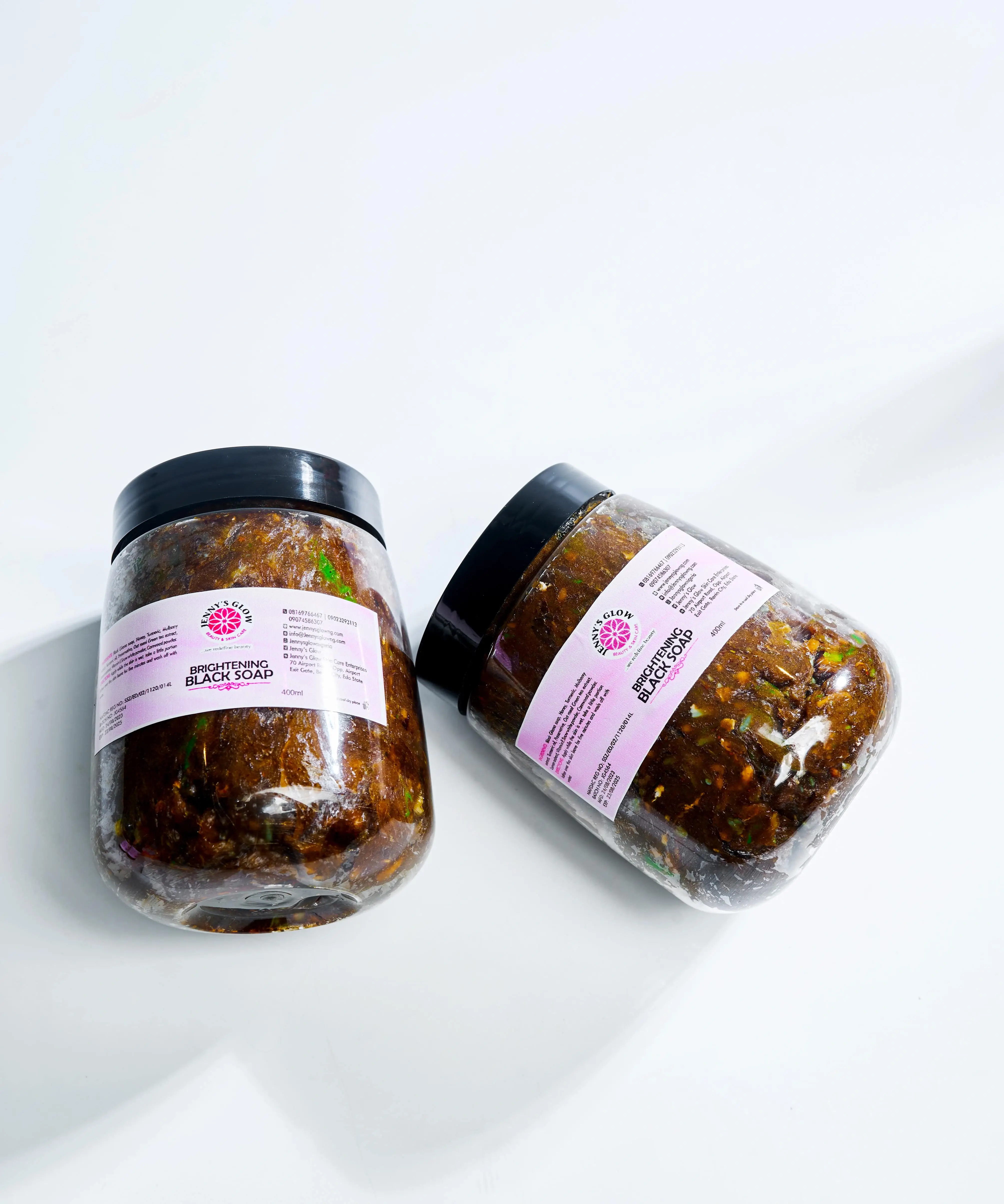
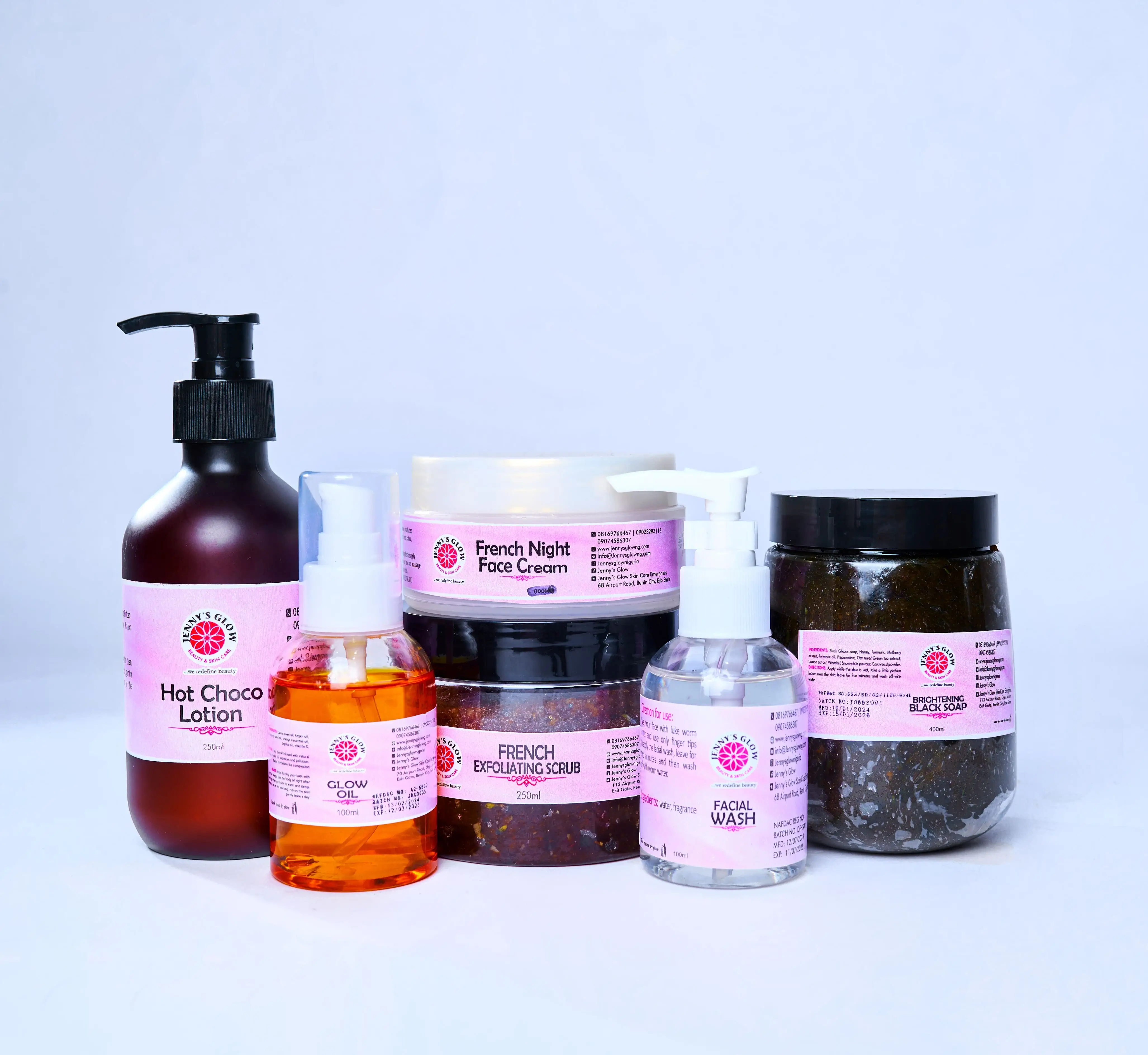

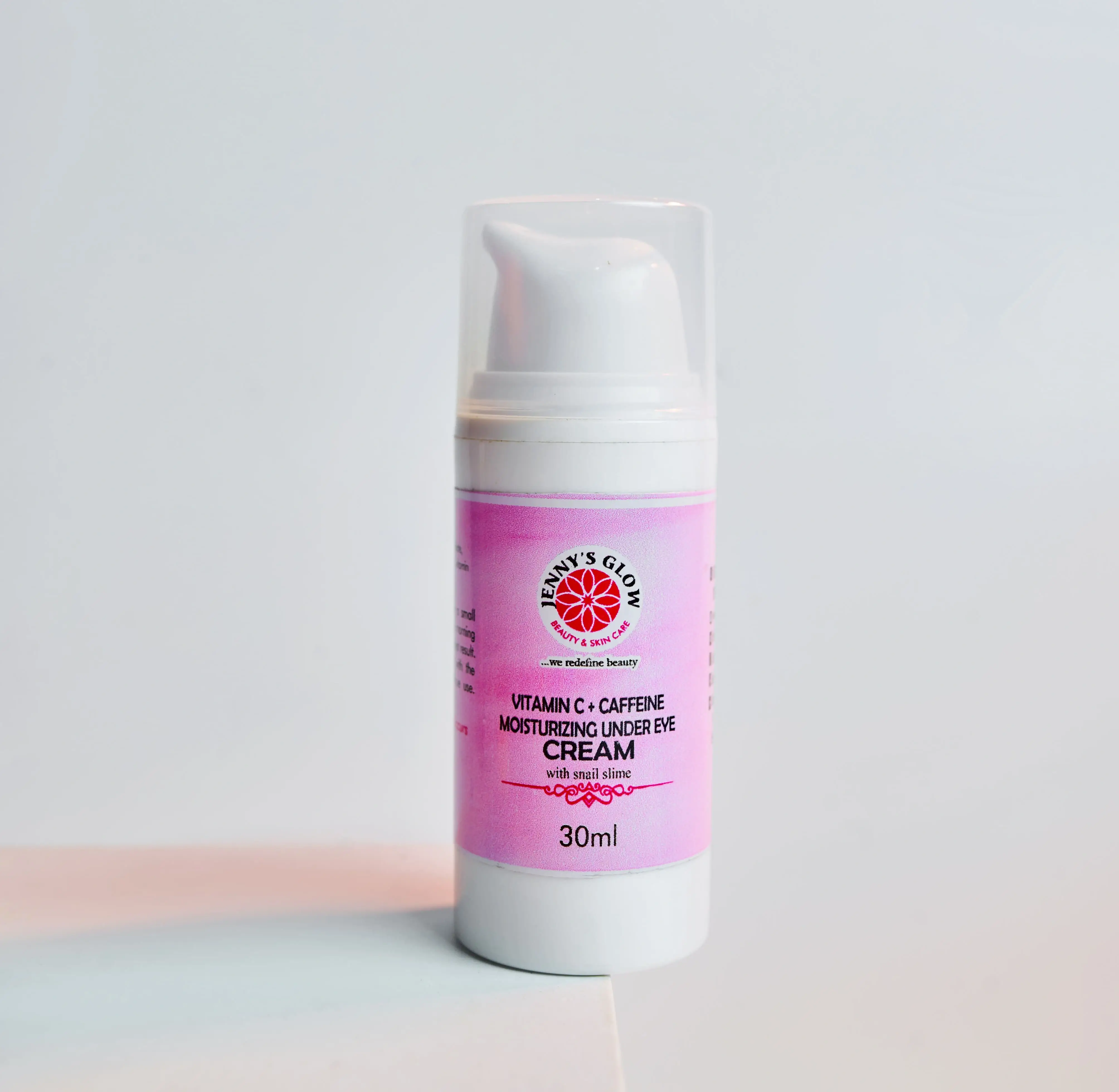

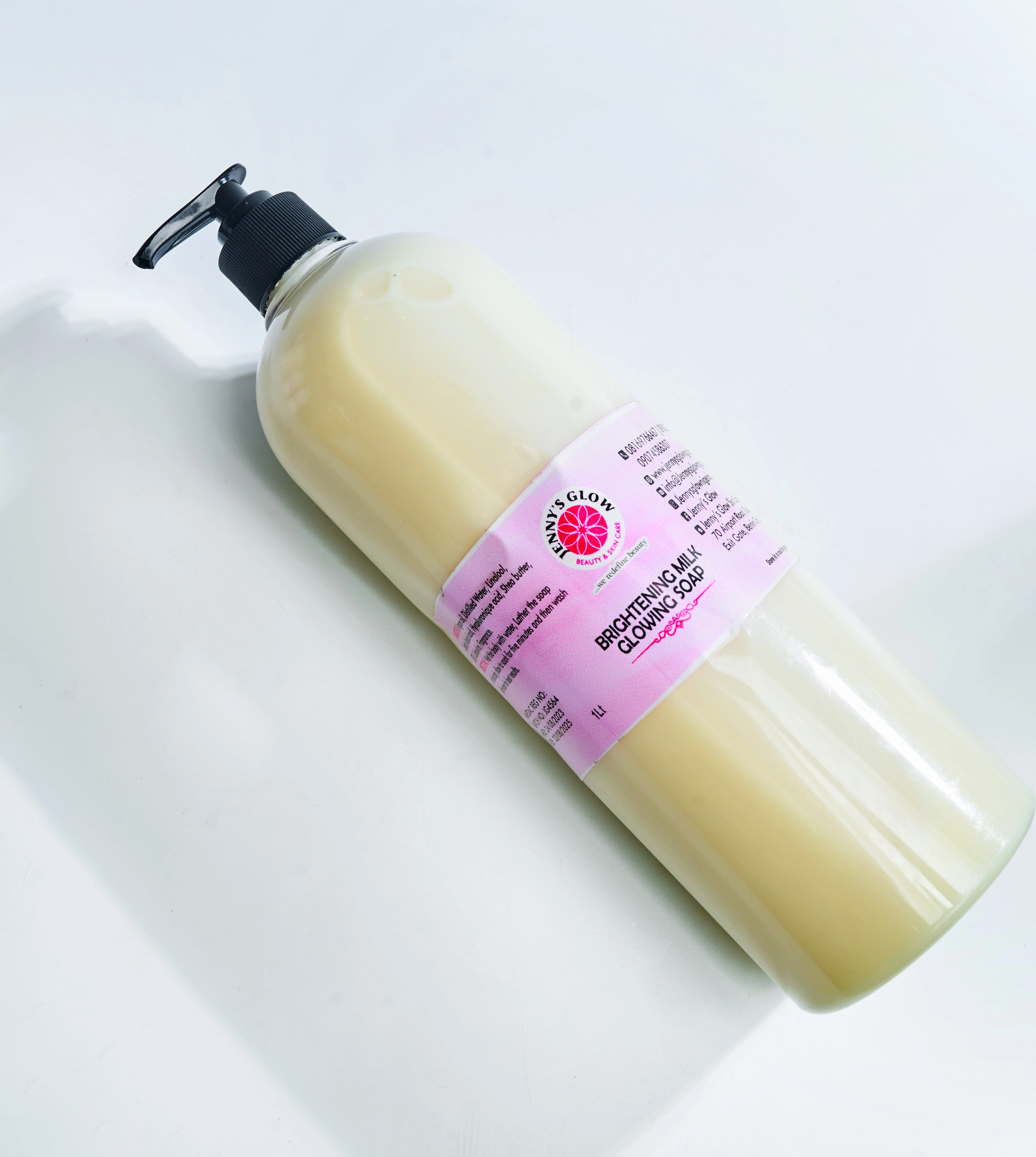
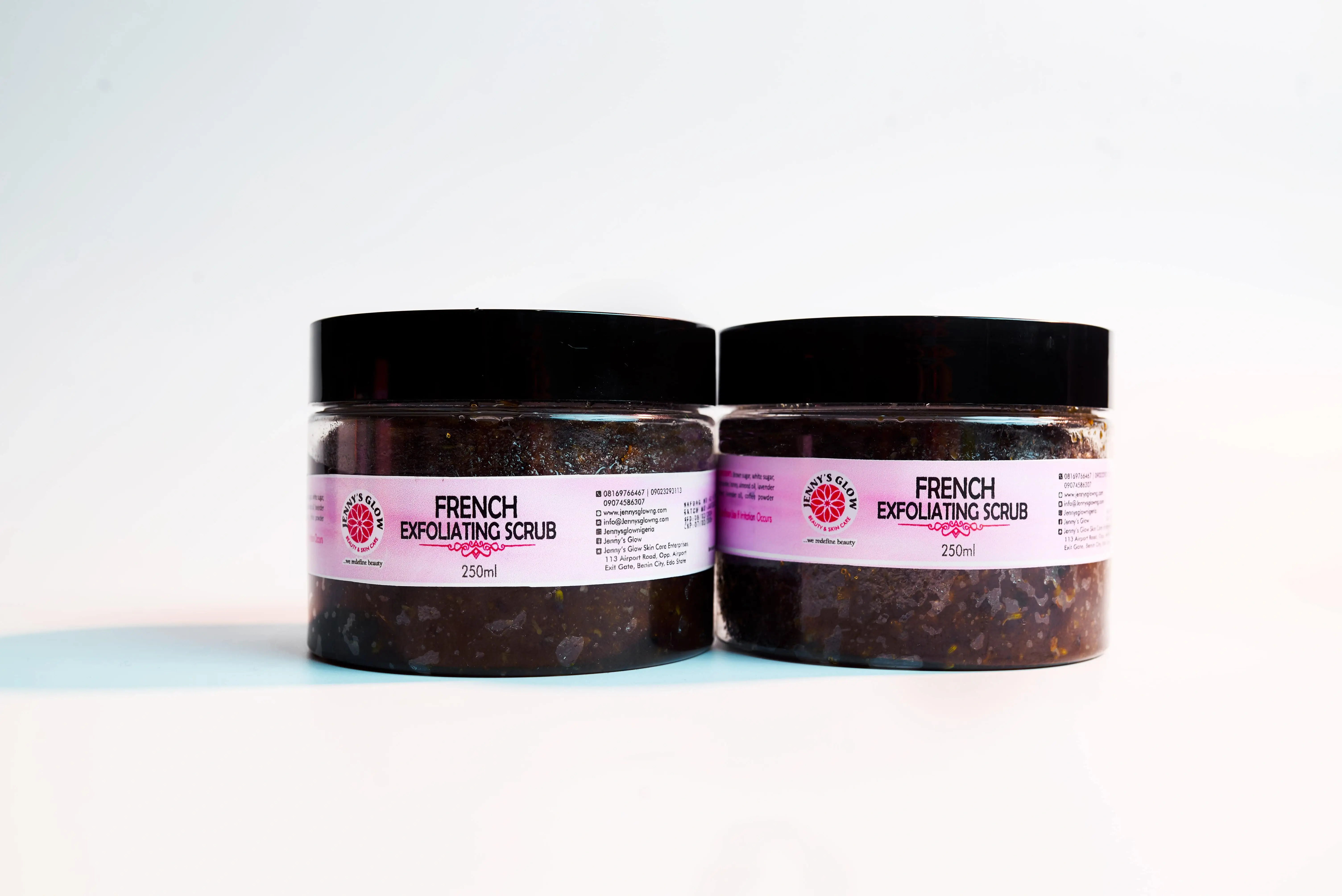

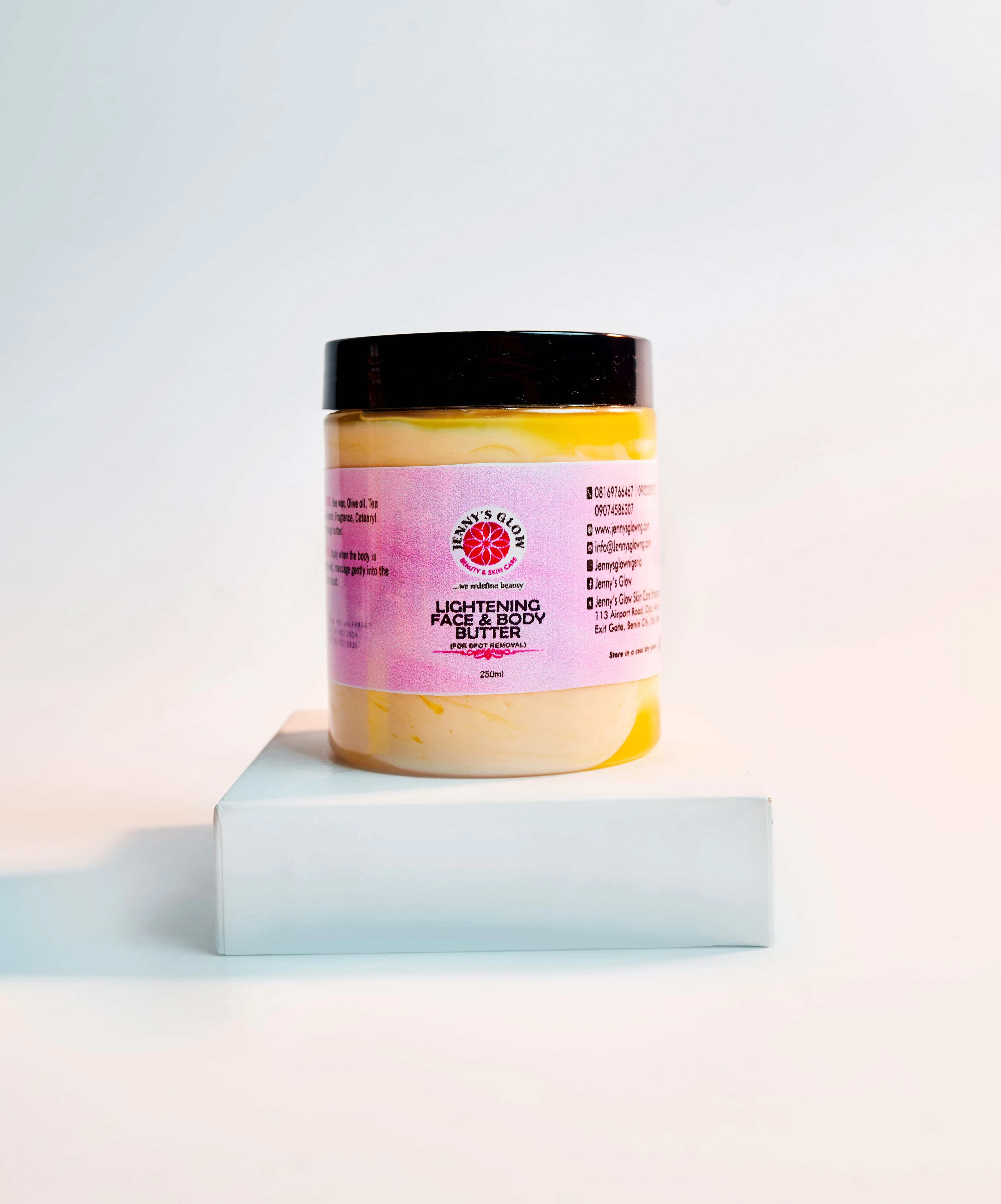

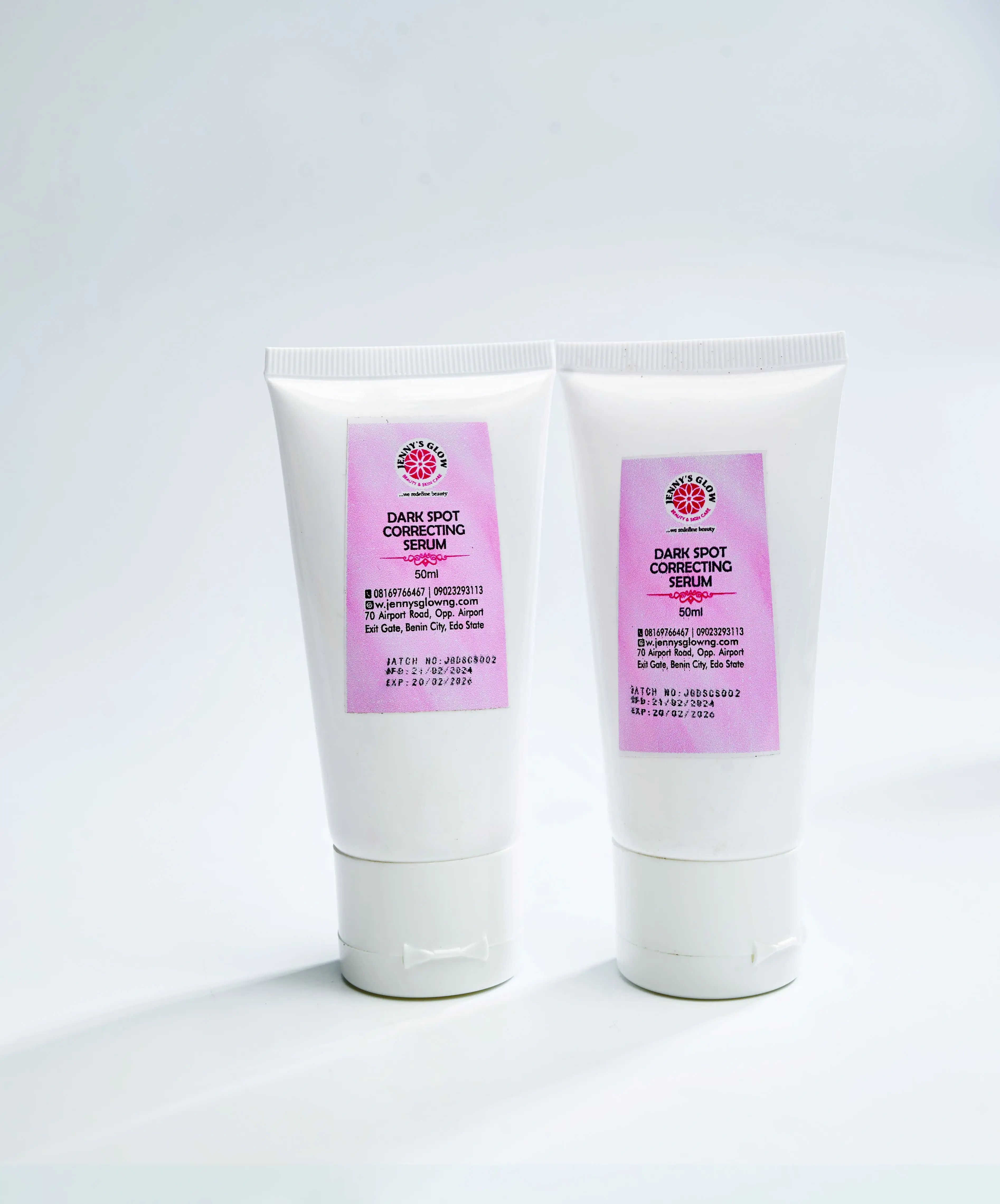
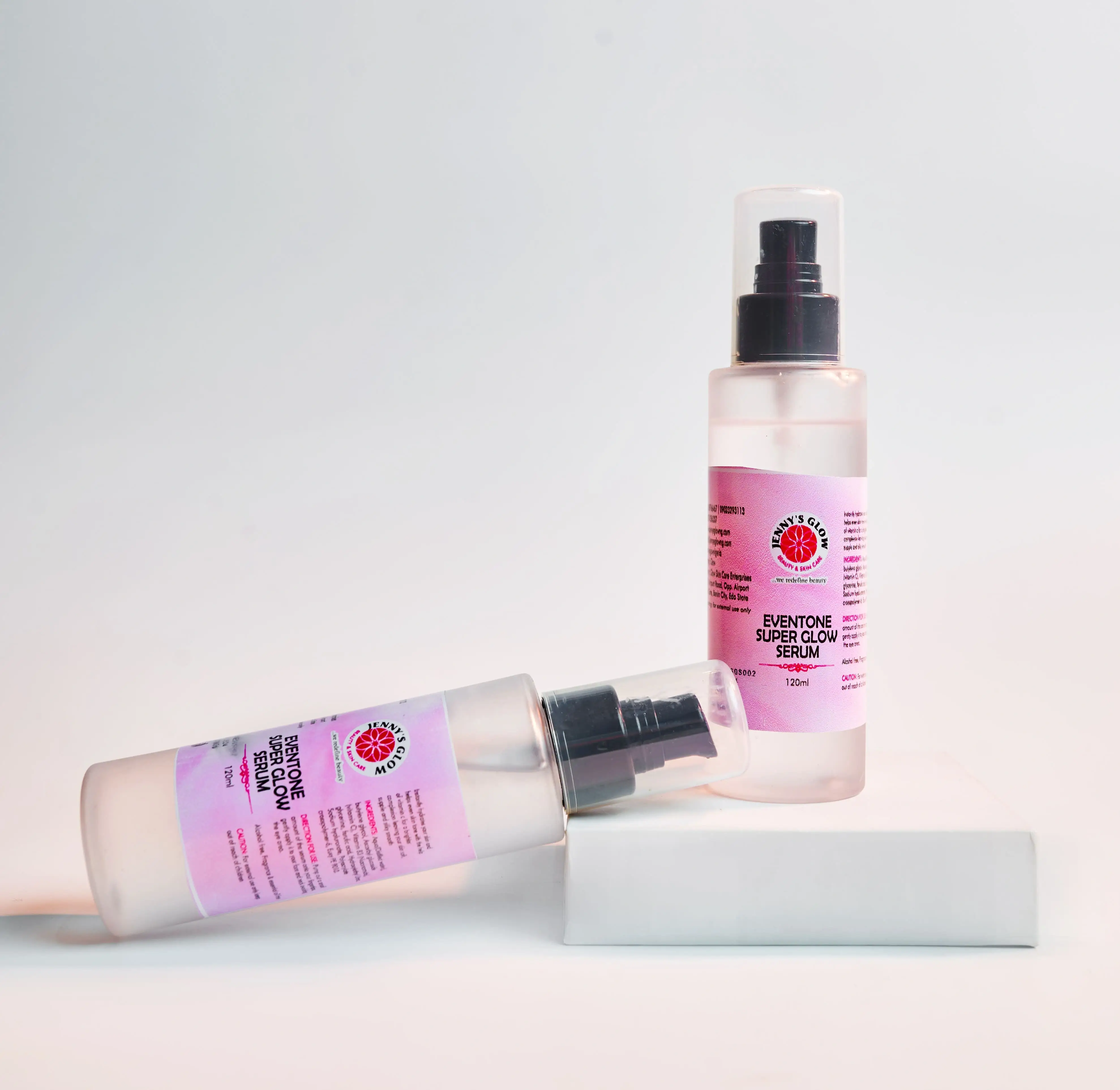

Glow Naturally with Jenny's Glow Botanics

The Samsung FRP Tool v1.6 has officially been released, offering an exclusive and streamlined solution for bypassing Factory Reset Protection (FRP) on a wide range of Samsung Galaxy devices. This latest update focuses on enhanced compatibility with recent security patches and improved stability for one-click removals. Key Features of Samsung FRP Tool v1.6

One-Click Bypass: Effortlessly remove Google account locks without complex manual steps or multiple APK installations.

Exclusive Security Support: Specifically optimized to handle newer Android security patches that previous versions might struggle with.

MTP & Download Mode Support: Flexible connection options to ensure the tool recognizes your device across different states.

No Technical Expertise Required: Features a simplified user interface designed for both professional technicians and everyday users.

Broad Device Compatibility: Supports a vast array of Samsung models, including the S-series, A-series, and M-series. How to Use the Tool

Download and Extract: Obtain the v1.6 package from a trusted source and extract the files to your PC.

Install Drivers: Ensure you have the latest Samsung USB Drivers installed so your computer can communicate with the phone.

Connect Device: Power on your Samsung device and connect it to your PC via a high-quality USB cable.

Run as Administrator: Open the tool, select the appropriate bypass method (such as "Remove FRP"), and follow the on-screen prompts.

Reboot: Once the process is complete, your device will reboot, allowing you to set it up without the previous Google account credentials.


4. Knox Guard Disabler (Temporary)

V16 does not permanently remove Knox (physical e-fuse), but it temporarily masks the FRP flag so the user can set up a Google account normally.

3. Samsung FRP Tool V16 Exynos & Snapdragon Merge

For the first time, an exclusive tool handles both Exynos 2400 (Europe/Asia) and Snapdragon 8 Gen 3 (US/China) chipsets without requiring different firmware files.

⚠️ Final Security Note for You:

If you downloaded this "exclusive" version from a random forum or YouTube video:

  1. Scan it with VirusTotal. Hackers love hiding RATs (Remote Access Trojans) in FRP tools.
  2. Do not run it on your main PC if you do banking there.
  3. The legitimate "Samsung FRP Tool" is often paid (by companies like MRT or Octoplus). If this is free, it is likely cracked and contains malware.

The release of Samsung FRP Tool v1.6 (also known as ZeroKnox v1.6

) has been recognized in the mobile repair community as an "exclusive" update designed to bypass Google Factory Reset Protection (FRP) on devices running newer security patches. This version specifically targets scenarios where traditional methods, like the test mode, are non-functional. Key Features and Capabilities

The v1.6 update introduces several "exclusive" fixes for common FRP bypass roadblocks:

It bypasses the need for the emergency dialer code, which many newer Samsung security updates have disabled. ADB Enable Fix:

Resolves "ADB enable failed" errors often encountered with older tools when attempting to unlock Android 11, 12, and 13 devices. Knox Security Bypass:

As part of the ZeroKnox series, it is designed to work on Samsung devices without requiring a hardware smart card. Android 15/16 Compatibility: Recent updates (often shared via Google Drive

) claim to support the latest security patches through 2026, including Android 15 and 16 beta versions. Technical Details v1.6 Specification Supported OS Android 9, 10, 11, 12, 13, 14, 15 Connection Type USB Cable (Standard MTP/ADB) Processing Time Usually under 5 minutes

Often released as a "Free Tool" by community developers like Sain Azeem Tech Disclaimer Software like the Samsung FRP Tool

should only be used for educational purposes or to recover access to devices you own. Misuse for illegal activities is strictly prohibited by developers. Official support for Google Account issues is available through the Samsung Support Portal step-by-step guide on how to set up the drivers for this specific tool? What is Google FRP? | Samsung New Zealand

The Samsung FRP Tool v1.6 is a specialized utility designed to bypass the Factory Reset Protection (FRP) lock on Samsung devices, particularly for those running modern Android versions like Android 11, 12, and 13. This "exclusive" release is often associated with the ZeroKnox or Android Utility series, aimed at resolving common bypass failures. Key Features and Capabilities

One-Click Bypass: A simplified process that aims to remove Google account verification after a factory reset with a single action.

Fix for Common Errors: Specifically designed to solve "ADB enable failed" errors and issues where the *#0*# test mode code does not work on newer security patches.

ZeroKnox Integration: Some versions (like ZeroKnox v1.6) function without the need for a smart card and target devices with Knox security enabled.

Broad Device Support: It typically supports a wide range of Samsung Galaxy models across various chipsets (MTK, Qualcomm) and Android versions up to the latest security updates. General Workflow

Preparation: Connect the locked Samsung device to a PC via USB and ensure official Samsung USB Drivers are installed.

Activation: Launch the tool and select the bypass method (e.g., "Remove FRP" or "Enable ADB").

Bypass Execution: The tool sends an exploit to the device, which may involve entering a specific code on the emergency dial pad or allowing a pop-up on the screen.

Completion: Once the process finishes, the device usually restarts, allowing you to skip the Google account setup entirely. Important Safety & Legal Considerations

Source Verification: Be cautious of "exclusive" links on social media; many are scams that may lead to malware or demand secondary payments for "activation".

Legality: These tools are intended for owners who have forgotten their own credentials. Attempting to bypass FRP on stolen or barred devices is illegal.

Device Risk: Improper use of these tools can potentially soft-brick your device or cause system instability.

The search for "samsungfrptoolv16 released exclusive" refers to the Samsung FRP Tool v1.6

, a specialized utility designed to bypass Factory Reset Protection (FRP) on Samsung Galaxy devices

. As of April 2026, recent updates claim to support the latest Android versions and security patches. Key Features and Exclusive Updates Android 15 & 16 Support

: The latest v1.6 iterations are marketed specifically to handle Google Account verification on devices running Android 15 and Android 16 No PC Method

: Some variants of the v1.6 guide highlight a "No PC" bypass method, which is highly sought after for users without access to a computer. One-Click FRP Bypass

: Tools in this family, such as SamFirm A.i.O (often associated with version 1.6.x), offer one-click removal for specific chipsets like Qualcomm (EMMC, UFS) MediaTek (MTK) Wider Device Compatibility

: Support extends across various Samsung series, including the S Series, A Series, M Series , and Fold/Flip models. Tool Availability and Technical Details Release Timing Recent v1.6 updates surfaced around late 2025 into April 2026

Typically Windows-based software or step-by-step manual bypasses.

Often promoted as "Free," though some "exclusive" versions may require activation or paid credits. Core Function

Removes the Google Account lock after a factory reset without requiring the original password. Important Safety & Legitimacy Warning While many sites claim to offer "exclusive" downloads for Samsung FRP Tool v1.6 , users should exercise extreme caution:

SamsungFRPToolV16 Released: Exclusive Look at the Ultimate FRP Bypass Solution

The tech community is buzzing with the news that SamsungFRPToolV16 released exclusive features designed to tackle one of the most common headaches for Android users: Factory Reset Protection (FRP). Whether you’ve forgotten your Google account credentials after a hard reset or you’ve acquired a second-hand device that's locked, this latest version promises a streamlined, reliable solution for regaining access to your Samsung smartphone or tablet. What is Factory Reset Protection (FRP)?

Factory Reset Protection is a security layer introduced by Google to prevent unauthorized access to a device after a factory reset. While it is a critical theft-deterrent, it often becomes a hurdle for legitimate owners who lose access to their login details. The SamsungFRPToolV16 acts as a bridge, allowing users to bypass this lock efficiently. Key Features of SamsungFRPToolV16

The exclusive nature of this release lies in its updated compatibility and enhanced user experience.

Broad Device Support: This version is engineered to work across a wide range of Samsung models, from budget-friendly A-series to flagship S-series devices.

Intuitive User Interface: Unlike older, command-line-heavy tools, V1.6 features a clean, graphical interface that is accessible to both tech-savvy individuals and non-technical users.

One-Click Bypass Technology: The tool is optimized for speed, often requiring just a few clicks to initiate and complete the bypass process.

Enhanced Security Compatibility: It is specifically designed to handle newer security patches that previously blocked older FRP bypass methods. Why Choose the SamsungFRPToolV16?

In a market saturated with "un-locking" software, the SamsungFRPToolV16 exclusive release stands out for its reliability and performance. According to early reviews from the United Portal, the tool offers a high success rate even on devices running more recent Android versions. How to Use the Tool Effectively

While the tool is user-friendly, following a structured approach ensures the best results:

Preparation: Ensure your Samsung device is charged to at least 50% and you have a high-quality USB cable.

Connection: Connect your device to a PC and launch the tool.

Bypass Initiation: Select your specific model or use the "Auto-Detect" feature if available.

Completion: Follow the on-screen prompts; the tool will communicate with the device's bootloader to remove the Google account lock. Final Verdict

The SamsungFRPToolV16 is a must-have in any tech enthusiast's toolkit. By combining ease of use with powerful bypass capabilities, it remains a top choice for resolving FRP issues without needing expensive professional services. Samsungfrptoolv16 Released Exclusive

Samsung FRP Tool v1.6 Released: The Exclusive All-in-One Solution for Samsung Lock Removal

For Samsung technicians and DIY enthusiasts, the battle against Factory Reset Protection (FRP) just got a major upgrade. The long-awaited Samsung FRP Tool v1.6 has been officially released, bringing an exclusive set of features designed to bypass Google account locks on the latest Android versions and security patches.

In this article, we’ll dive into what makes this exclusive release a game-changer and how you can use it to regain access to your device. What is Samsung FRP Tool v1.6?

Samsung FRP Tool v1.6 is a specialized software utility designed to bypass the Google Account Verification screen that appears after a factory reset. Whether you’ve forgotten your credentials or purchased a second-hand device with a locked account, this tool provides a streamlined, one-click solution to unlock your phone. Exclusive New Features in v1.6

The v1.6 update isn't just a minor patch; it’s a complete overhaul. Here is what’s new:

Enhanced MTP Mode Bypass: Improved stability for bypassing FRP via Media Transfer Protocol (MTP) without needing a combination file.

Latest Security Patch Support: Exclusive protocols to handle the 2024 and 2025 security updates that previously blocked older tools.

ADB Mode Optimization: A more reliable method for enabling ADB (Android Debug Bridge) via the emergency dialer (*#0*#).

Zero-Data Loss Functionality: In specific models, the tool can now bypass the lock without wiping user data (experimental).

One-Click Browser Launch: Instantly opens the YouTube or Chrome browser on the locked device to facilitate manual bypass steps if needed. Supported Devices and OS

The "exclusive" tag on v1.6 comes from its wide-ranging compatibility. It supports nearly the entire Samsung Galaxy lineup, including: S-Series: S21, S22, S23, and the latest S24 Ultra. A-Series: A14, A34, A54, and older models like the A50. Z-Series: Galaxy Z Fold 5 and Z Flip 5.

Android Versions: Full support for Android 11, 12, 13, and the new Android 14. How to Use Samsung FRP Tool v1.6 (Step-by-Step)

Disclaimer: This tool should only be used on devices you own. Bypassing security on stolen devices is illegal.

Download and Install: Extract the Samsung FRP Tool v1.6 ZIP file on your Windows PC. Ensure you have the latest Samsung USB Drivers installed.

Connect Device: Turn on your Samsung phone and connect it to your PC via a high-quality USB cable.

Emergency Call: On the "Welcome" screen of your phone, tap Emergency Call and dial *#0*# to enter the Test Mode menu.

Run the Tool: Open the SamsungFRPv1.6.exe as an Administrator.

Remove FRP: Click on the "Remove FRP" button. The tool will detect your device and prompt you to allow USB Debugging on the phone screen.

Finish: Once you allow debugging, the tool will run its script. Your phone will reboot, and the Google lock will be gone. Why Choose v1.6 Over Other Tools?

While there are many "cracked" tools available online, the Samsung FRP Tool v1.6 exclusive release stands out because of its clean interface and lack of bloatware. Unlike older versions that often crashed during the "Sending ADB Command" phase, v1.6 uses a new multi-threaded engine to ensure a 99% success rate on compatible models. Troubleshooting Tips

Device not recognized? Try a different USB port (preferably 2.0) and restart the tool.

Test Mode not opening? Some newer Verizon or AT&T models have disabled *#0*#. In this case, use the "MTP Browser" feature in the tool to bypass via the "Alliance Shield" method. Conclusion

The release of Samsung FRP Tool v1.6 provides a much-needed lifeline for those locked out of their premium devices. With its exclusive support for the latest Android 14 builds and simplified one-click interface, it remains the gold standard for Samsung repair software.

Are you ready to unlock your device? Make sure to download the tool from a verified source to avoid malware and keep your drivers updated for the best experience.


4. Security & Legal Implications

Security Context: Factory Reset Protection (FRP) is a critical security measure mandated by Google to deter theft. Tools like Samsung FRP Tool v16 exploit gaps in the setup process (e.g., the inability to fully block browser access during the initial setup on some firmware versions).

Legal Disclaimer: The developers of the tool generally market it for "Device Recovery" and "Authorized Technicians." In many jurisdictions, bypassing FRP on a device one does not own is a violation of the Digital Millennium Copyright Act (DMCA) or similar international laws. The "Exclusive" nature of the release is often an attempt to limit distribution to professional repair circles rather than the general public.

Product Categories

We’ve simplified your options - shop by category

Black Soap

Black Soap

Sets

Sets

Face Gel

Face Gel

Under Eye

Under Eye

Face Cream

Face Cream

Body Washes & Soap

Body Washes & Soap

Body Scrub

Body Scrub

Body Oil

Body Oil

Body Butter

Body Butter

Body Lotion & Cup Cream

Body Lotion & Cup Cream

Face & Body Treatment

Face & Body Treatment

Face Serums

Face Serums

Face Toners

Face Toners

Facial Wash

Facial Wash

Visit shop

samsungfrptoolv16 released exclusive

Best Selling

Your skin deserves the best care at a price that won't break the bank.

Samsungfrptoolv16 Released Exclusive May 2026

The Samsung FRP Tool v1.6 has officially been released, offering an exclusive and streamlined solution for bypassing Factory Reset Protection (FRP) on a wide range of Samsung Galaxy devices. This latest update focuses on enhanced compatibility with recent security patches and improved stability for one-click removals. Key Features of Samsung FRP Tool v1.6

One-Click Bypass: Effortlessly remove Google account locks without complex manual steps or multiple APK installations.

Exclusive Security Support: Specifically optimized to handle newer Android security patches that previous versions might struggle with.

MTP & Download Mode Support: Flexible connection options to ensure the tool recognizes your device across different states.

No Technical Expertise Required: Features a simplified user interface designed for both professional technicians and everyday users.

Broad Device Compatibility: Supports a vast array of Samsung models, including the S-series, A-series, and M-series. How to Use the Tool

Download and Extract: Obtain the v1.6 package from a trusted source and extract the files to your PC.

Install Drivers: Ensure you have the latest Samsung USB Drivers installed so your computer can communicate with the phone.

Connect Device: Power on your Samsung device and connect it to your PC via a high-quality USB cable.

Run as Administrator: Open the tool, select the appropriate bypass method (such as "Remove FRP"), and follow the on-screen prompts.

Reboot: Once the process is complete, your device will reboot, allowing you to set it up without the previous Google account credentials.


4. Knox Guard Disabler (Temporary)

V16 does not permanently remove Knox (physical e-fuse), but it temporarily masks the FRP flag so the user can set up a Google account normally.

3. Samsung FRP Tool V16 Exynos & Snapdragon Merge

For the first time, an exclusive tool handles both Exynos 2400 (Europe/Asia) and Snapdragon 8 Gen 3 (US/China) chipsets without requiring different firmware files.

⚠️ Final Security Note for You:

If you downloaded this "exclusive" version from a random forum or YouTube video:

  1. Scan it with VirusTotal. Hackers love hiding RATs (Remote Access Trojans) in FRP tools.
  2. Do not run it on your main PC if you do banking there.
  3. The legitimate "Samsung FRP Tool" is often paid (by companies like MRT or Octoplus). If this is free, it is likely cracked and contains malware.

The release of Samsung FRP Tool v1.6 (also known as ZeroKnox v1.6

) has been recognized in the mobile repair community as an "exclusive" update designed to bypass Google Factory Reset Protection (FRP) on devices running newer security patches. This version specifically targets scenarios where traditional methods, like the test mode, are non-functional. Key Features and Capabilities

The v1.6 update introduces several "exclusive" fixes for common FRP bypass roadblocks:

It bypasses the need for the emergency dialer code, which many newer Samsung security updates have disabled. ADB Enable Fix:

Resolves "ADB enable failed" errors often encountered with older tools when attempting to unlock Android 11, 12, and 13 devices. Knox Security Bypass:

As part of the ZeroKnox series, it is designed to work on Samsung devices without requiring a hardware smart card. Android 15/16 Compatibility: Recent updates (often shared via Google Drive

) claim to support the latest security patches through 2026, including Android 15 and 16 beta versions. Technical Details v1.6 Specification Supported OS Android 9, 10, 11, 12, 13, 14, 15 Connection Type USB Cable (Standard MTP/ADB) Processing Time Usually under 5 minutes

Often released as a "Free Tool" by community developers like Sain Azeem Tech Disclaimer Software like the Samsung FRP Tool samsungfrptoolv16 released exclusive

should only be used for educational purposes or to recover access to devices you own. Misuse for illegal activities is strictly prohibited by developers. Official support for Google Account issues is available through the Samsung Support Portal step-by-step guide on how to set up the drivers for this specific tool? What is Google FRP? | Samsung New Zealand

The Samsung FRP Tool v1.6 is a specialized utility designed to bypass the Factory Reset Protection (FRP) lock on Samsung devices, particularly for those running modern Android versions like Android 11, 12, and 13. This "exclusive" release is often associated with the ZeroKnox or Android Utility series, aimed at resolving common bypass failures. Key Features and Capabilities

One-Click Bypass: A simplified process that aims to remove Google account verification after a factory reset with a single action.

Fix for Common Errors: Specifically designed to solve "ADB enable failed" errors and issues where the *#0*# test mode code does not work on newer security patches.

ZeroKnox Integration: Some versions (like ZeroKnox v1.6) function without the need for a smart card and target devices with Knox security enabled.

Broad Device Support: It typically supports a wide range of Samsung Galaxy models across various chipsets (MTK, Qualcomm) and Android versions up to the latest security updates. General Workflow

Preparation: Connect the locked Samsung device to a PC via USB and ensure official Samsung USB Drivers are installed.

Activation: Launch the tool and select the bypass method (e.g., "Remove FRP" or "Enable ADB").

Bypass Execution: The tool sends an exploit to the device, which may involve entering a specific code on the emergency dial pad or allowing a pop-up on the screen.

Completion: Once the process finishes, the device usually restarts, allowing you to skip the Google account setup entirely. Important Safety & Legal Considerations

Source Verification: Be cautious of "exclusive" links on social media; many are scams that may lead to malware or demand secondary payments for "activation".

Legality: These tools are intended for owners who have forgotten their own credentials. Attempting to bypass FRP on stolen or barred devices is illegal.

Device Risk: Improper use of these tools can potentially soft-brick your device or cause system instability.

The search for "samsungfrptoolv16 released exclusive" refers to the Samsung FRP Tool v1.6

, a specialized utility designed to bypass Factory Reset Protection (FRP) on Samsung Galaxy devices

. As of April 2026, recent updates claim to support the latest Android versions and security patches. Key Features and Exclusive Updates Android 15 & 16 Support

: The latest v1.6 iterations are marketed specifically to handle Google Account verification on devices running Android 15 and Android 16 No PC Method

: Some variants of the v1.6 guide highlight a "No PC" bypass method, which is highly sought after for users without access to a computer. One-Click FRP Bypass

: Tools in this family, such as SamFirm A.i.O (often associated with version 1.6.x), offer one-click removal for specific chipsets like Qualcomm (EMMC, UFS) MediaTek (MTK) Wider Device Compatibility

: Support extends across various Samsung series, including the S Series, A Series, M Series , and Fold/Flip models. Tool Availability and Technical Details Release Timing Recent v1.6 updates surfaced around late 2025 into April 2026

Typically Windows-based software or step-by-step manual bypasses. The Samsung FRP Tool v1

Often promoted as "Free," though some "exclusive" versions may require activation or paid credits. Core Function

Removes the Google Account lock after a factory reset without requiring the original password. Important Safety & Legitimacy Warning While many sites claim to offer "exclusive" downloads for Samsung FRP Tool v1.6 , users should exercise extreme caution:

SamsungFRPToolV16 Released: Exclusive Look at the Ultimate FRP Bypass Solution

The tech community is buzzing with the news that SamsungFRPToolV16 released exclusive features designed to tackle one of the most common headaches for Android users: Factory Reset Protection (FRP). Whether you’ve forgotten your Google account credentials after a hard reset or you’ve acquired a second-hand device that's locked, this latest version promises a streamlined, reliable solution for regaining access to your Samsung smartphone or tablet. What is Factory Reset Protection (FRP)?

Factory Reset Protection is a security layer introduced by Google to prevent unauthorized access to a device after a factory reset. While it is a critical theft-deterrent, it often becomes a hurdle for legitimate owners who lose access to their login details. The SamsungFRPToolV16 acts as a bridge, allowing users to bypass this lock efficiently. Key Features of SamsungFRPToolV16

The exclusive nature of this release lies in its updated compatibility and enhanced user experience.

Broad Device Support: This version is engineered to work across a wide range of Samsung models, from budget-friendly A-series to flagship S-series devices.

Intuitive User Interface: Unlike older, command-line-heavy tools, V1.6 features a clean, graphical interface that is accessible to both tech-savvy individuals and non-technical users.

One-Click Bypass Technology: The tool is optimized for speed, often requiring just a few clicks to initiate and complete the bypass process.

Enhanced Security Compatibility: It is specifically designed to handle newer security patches that previously blocked older FRP bypass methods. Why Choose the SamsungFRPToolV16?

In a market saturated with "un-locking" software, the SamsungFRPToolV16 exclusive release stands out for its reliability and performance. According to early reviews from the United Portal, the tool offers a high success rate even on devices running more recent Android versions. How to Use the Tool Effectively

While the tool is user-friendly, following a structured approach ensures the best results:

Preparation: Ensure your Samsung device is charged to at least 50% and you have a high-quality USB cable.

Connection: Connect your device to a PC and launch the tool.

Bypass Initiation: Select your specific model or use the "Auto-Detect" feature if available.

Completion: Follow the on-screen prompts; the tool will communicate with the device's bootloader to remove the Google account lock. Final Verdict

The SamsungFRPToolV16 is a must-have in any tech enthusiast's toolkit. By combining ease of use with powerful bypass capabilities, it remains a top choice for resolving FRP issues without needing expensive professional services. Samsungfrptoolv16 Released Exclusive

Samsung FRP Tool v1.6 Released: The Exclusive All-in-One Solution for Samsung Lock Removal

For Samsung technicians and DIY enthusiasts, the battle against Factory Reset Protection (FRP) just got a major upgrade. The long-awaited Samsung FRP Tool v1.6 has been officially released, bringing an exclusive set of features designed to bypass Google account locks on the latest Android versions and security patches.

In this article, we’ll dive into what makes this exclusive release a game-changer and how you can use it to regain access to your device. What is Samsung FRP Tool v1.6?

Samsung FRP Tool v1.6 is a specialized software utility designed to bypass the Google Account Verification screen that appears after a factory reset. Whether you’ve forgotten your credentials or purchased a second-hand device with a locked account, this tool provides a streamlined, one-click solution to unlock your phone. Exclusive New Features in v1.6 Scan it with VirusTotal

The v1.6 update isn't just a minor patch; it’s a complete overhaul. Here is what’s new:

Enhanced MTP Mode Bypass: Improved stability for bypassing FRP via Media Transfer Protocol (MTP) without needing a combination file.

Latest Security Patch Support: Exclusive protocols to handle the 2024 and 2025 security updates that previously blocked older tools.

ADB Mode Optimization: A more reliable method for enabling ADB (Android Debug Bridge) via the emergency dialer (*#0*#).

Zero-Data Loss Functionality: In specific models, the tool can now bypass the lock without wiping user data (experimental).

One-Click Browser Launch: Instantly opens the YouTube or Chrome browser on the locked device to facilitate manual bypass steps if needed. Supported Devices and OS

The "exclusive" tag on v1.6 comes from its wide-ranging compatibility. It supports nearly the entire Samsung Galaxy lineup, including: S-Series: S21, S22, S23, and the latest S24 Ultra. A-Series: A14, A34, A54, and older models like the A50. Z-Series: Galaxy Z Fold 5 and Z Flip 5.

Android Versions: Full support for Android 11, 12, 13, and the new Android 14. How to Use Samsung FRP Tool v1.6 (Step-by-Step)

Disclaimer: This tool should only be used on devices you own. Bypassing security on stolen devices is illegal.

Download and Install: Extract the Samsung FRP Tool v1.6 ZIP file on your Windows PC. Ensure you have the latest Samsung USB Drivers installed.

Connect Device: Turn on your Samsung phone and connect it to your PC via a high-quality USB cable.

Emergency Call: On the "Welcome" screen of your phone, tap Emergency Call and dial *#0*# to enter the Test Mode menu.

Run the Tool: Open the SamsungFRPv1.6.exe as an Administrator.

Remove FRP: Click on the "Remove FRP" button. The tool will detect your device and prompt you to allow USB Debugging on the phone screen.

Finish: Once you allow debugging, the tool will run its script. Your phone will reboot, and the Google lock will be gone. Why Choose v1.6 Over Other Tools?

While there are many "cracked" tools available online, the Samsung FRP Tool v1.6 exclusive release stands out because of its clean interface and lack of bloatware. Unlike older versions that often crashed during the "Sending ADB Command" phase, v1.6 uses a new multi-threaded engine to ensure a 99% success rate on compatible models. Troubleshooting Tips

Device not recognized? Try a different USB port (preferably 2.0) and restart the tool.

Test Mode not opening? Some newer Verizon or AT&T models have disabled *#0*#. In this case, use the "MTP Browser" feature in the tool to bypass via the "Alliance Shield" method. Conclusion

The release of Samsung FRP Tool v1.6 provides a much-needed lifeline for those locked out of their premium devices. With its exclusive support for the latest Android 14 builds and simplified one-click interface, it remains the gold standard for Samsung repair software.

Are you ready to unlock your device? Make sure to download the tool from a verified source to avoid malware and keep your drivers updated for the best experience.


4. Security & Legal Implications

Security Context: Factory Reset Protection (FRP) is a critical security measure mandated by Google to deter theft. Tools like Samsung FRP Tool v16 exploit gaps in the setup process (e.g., the inability to fully block browser access during the initial setup on some firmware versions).

  • The "Cat and Mouse" Game: The release of v16 highlights the ongoing vulnerability of Android devices to "logic exploits" rather than brute-force attacks. Samsung typically patches these entry points in monthly security updates.
  • Data Privacy: While marketed for device recovery, the existence of such a tool implies that a stolen Samsung device can potentially be wiped and reused, incentivizing theft if the tool leaks to the broader black market.

Legal Disclaimer: The developers of the tool generally market it for "Device Recovery" and "Authorized Technicians." In many jurisdictions, bypassing FRP on a device one does not own is a violation of the Digital Millennium Copyright Act (DMCA) or similar international laws. The "Exclusive" nature of the release is often an attempt to limit distribution to professional repair circles rather than the general public.


samsungfrptoolv16 released exclusive

Our Products

Premium Quality

Dark Spot Solutions

Target stubborn acne marks and fade dark spots with our powerful spot-correcting treatments!

Dark Spot Solutions skincare collection

Premium Quality

Jenny’s Whitening Set

Achieve a brighter, more even skin tone with our gentle yet effective brightening and toning skincare collection!

Jenny’s Whitening Set skincare collection

Customer Reviews

samsungfrptoolv16 released exclusive

Ezekiel Adesanya

Lagos

Hi Jenny's Glow, just want to say a big `wow` to your product (Baby lotion) which my princess has been making use of... It's so fucking lit! Confirmed, you're the best

Hero Image
leftright

Our customers are at the heart of everything we do. Here’s what they’re saying about their glow journey!

Our Partners

These Brands Believe in Our Glow!

Paystack logoUBA bank logoZenith bank logoFidelity bank logoGTBank logoDHL logo

Subscribe to our newsletter and get updates and special offers straight to your email!

Shopping Location

© 2026 Jenny’s Glow Skin care